Workflow coordination
Define the steps, the order, and the decision points. Brain makes sure each step gets done by the right Worker.
Brain
When you have multiple AI workers, they need to coordinate. Brain is the layer that decides who does what, in what order, with what rules. It also keeps you in the loop on everything happening across your AI team.
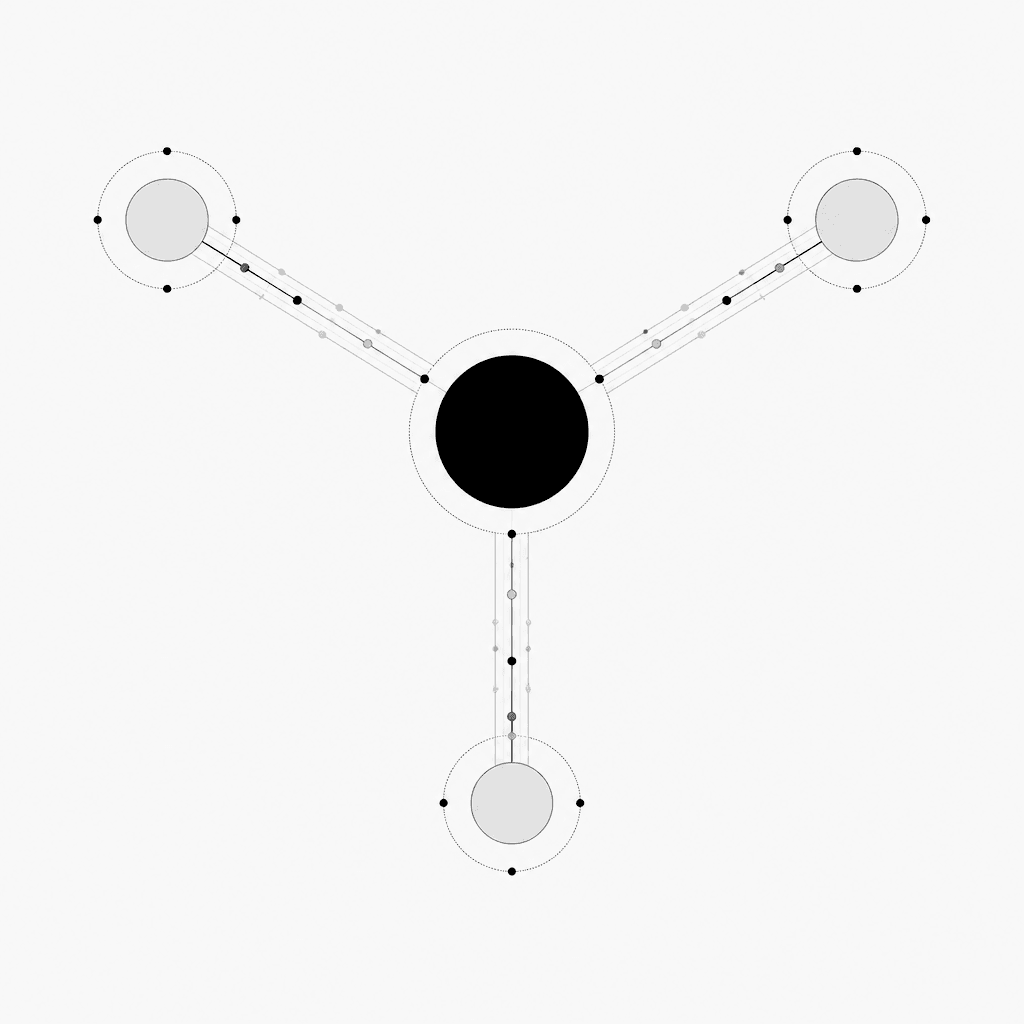
Running several AI tools without coordination leads to conflicting answers, duplicated work, and invisible bottlenecks. You don't know what your AI is doing or why.
Brain connects your Workers into coordinated workflows. It decides who does what, in what order, and what to do when something unusual happens. You see the whole picture in one place.
Define the steps, the order, and the decision points. Brain makes sure each step gets done by the right Worker.
When something unusual comes up, Brain routes it to the right place automatically — a different Worker, a human, or a queue for review.
See every workflow, every step, every decision. Know what's working and what needs attention.
Step 01
Tell us the steps, the order, and who (or what) should handle each one.
Step 02
Decide which steps the AI can do automatically and which need a human in the loop.
Step 03
Brain runs the workflow. You see everything, change anything, and scale what works.
Document verification, account setup, and welcome sequences — coordinated end to end.
Lead scoring, follow-ups, meeting booking, and CRM updates — without your sales team lifting a finger.
Request goes to the right approver, with reminders, escalations, and a full audit trail.
Brain coordinates AI Workers, not just data between tools. It understands AI's strengths and limits.
No code. Update the routing, the approvals, the fallbacks — in plain language.
Every step can be checked by Brakes before moving forward. Quality is built in.
Less manual handoff
Workers pass work to each other automatically
Faster throughput
Multiple workflows run in parallel, without bottlenecks
Always-on oversight
You see what's happening, even when you're not in the room
Talk to our team. We'll walk you through a workflow from your business, step by step.